Online Parking Reservations for Park Roanoke | Roanoke, VA

City of Roanoke
Monthly Parking Payment Information

Accessing Your Account

Parking.com makes accessing your account fast and easy. Log on to review your statement, pay your bill, or update your account information.

For instructions on how to log on and set up your account, click here.

You can access your monthly account online by clicking here. The system will prompt you to enter your account information for secure access.

Need to make changes? You can update your vehicle, license plate, payment information and more by accessing your account online.

Changes should be submitted no later than the 13th of each month. Any changes received after the 13th, will not be reflected until the following month.

  • Adding a parker to your account:
    • If added between the 1st and 14th of the month, you will be charged for a full month
    • If added between the 15th and 31st of the month, you will be charged for half a month
  • Deleting a parker from your account
      • If deleted on the 1st of the month, you will receive a full credit
      • If deleted between the 2nd and 15th of the month, you will receive half a month credit
      • If deleted between the 16th and 31st of the month, you will not receive any credit


For corporate customers, a designated contact person at your company will have access to the online option to add new parkers, cancel parkers, and perform name changes within your online account.

Bill Payment

SP+ provides monthly parkers with tools to effectively manage their account.

Monthly invoices are generated and mailed out around the 15th of the month for the following month. You may either elect to receive hard copies in the mail or they may be delivered by email to the account contact. Payments are due by the first of each month.
SP+ accepts most major credit cards for automatic payment of your monthly parking bill. Simply register your card with your account.
Set up automatic drafts using a credit card or bank account. This takes the worry out of paying your statement each month.
If you prefer to pay by check, SP+ can send you a statement each month – once received you can pay by mail. If you require a copy of a W-9, please contact the garage office. You can mail your check to: SP Plus P.O. Box 74007568 Chicago, IL 60674-7568
If you currently use Wage Works or Commuter Check to pay for parking, you must update your Wageworks or Commuter Check information with your new Account Number, along with the new Lockbox remittance address.
1
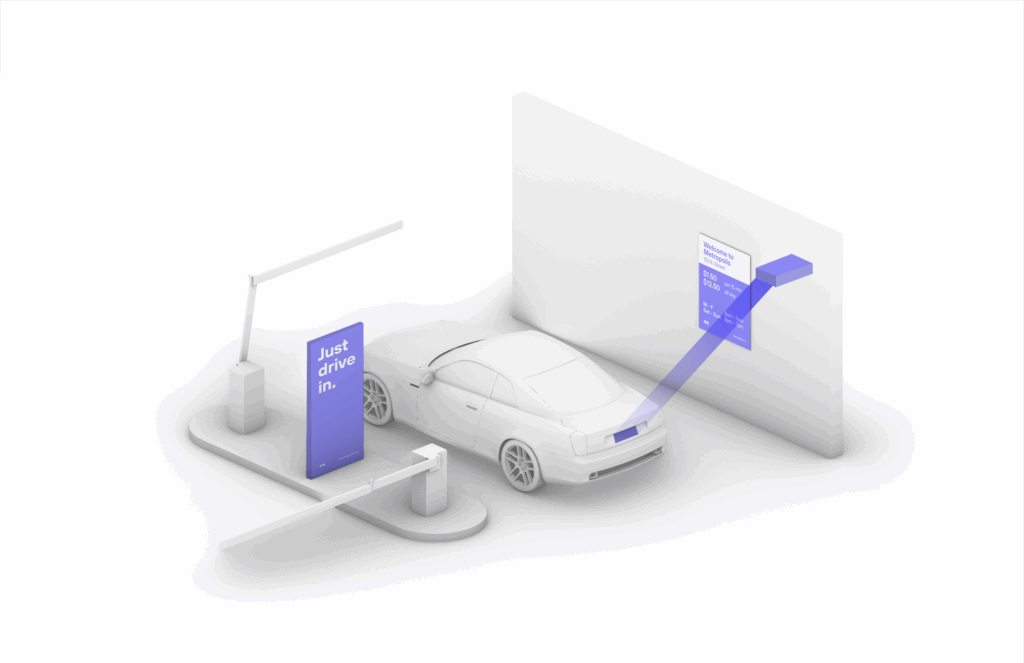
Drive In
Your visit starts when you drive in. You’ll receive a welcome text when you enter and your parking session will begin.
2
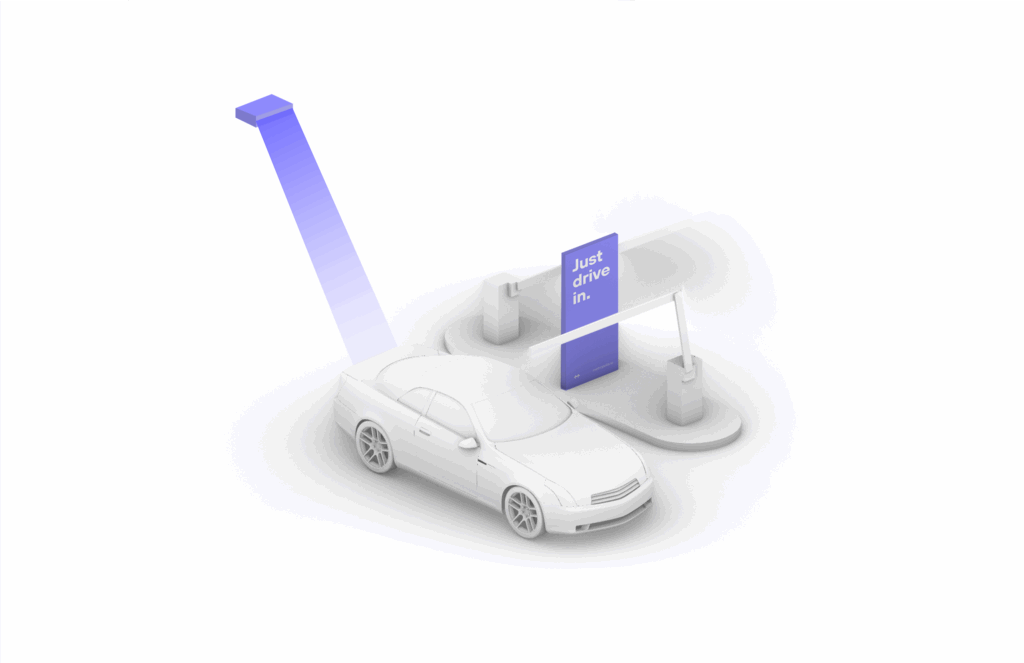
Drive Out
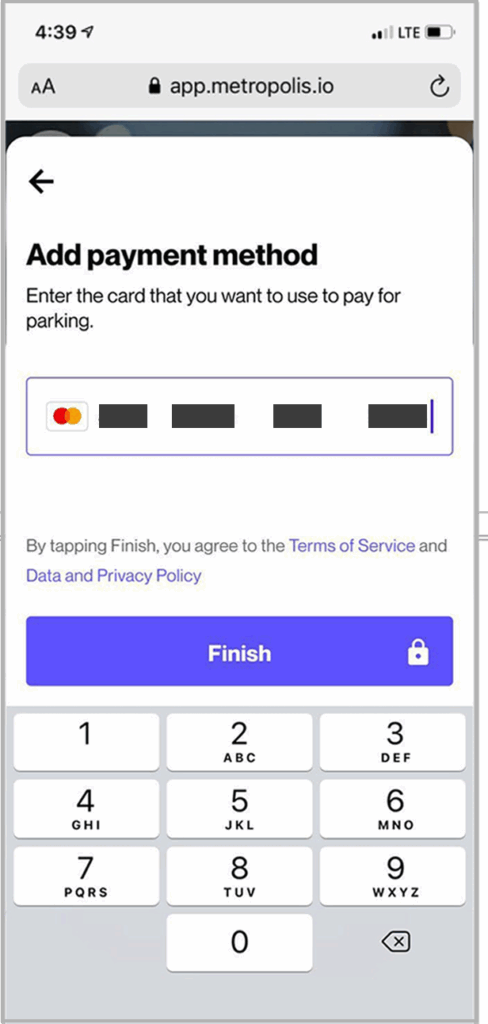
When you exit the parking facility your parking session is automatically charged to your credit card on file.
1
Drive In
Your visit starts when you drive in. You’ll receive a welcome text when you enter and your parking session will begin.
2
Drive Out
When you exit the parking facility your parking session is automatically charged to your credit card on file.
1
Drive In
Your visit starts when you drive in, and your parking session will begin. (The Metropolis Technology recognizes your license plate and retrieves your prepaid reservation.) Do not scan posted QR codes. You’re all set.
2

Drive Out
When you exit the parking facility, your prepaid reservation is recognized. Just drive out. (If you stayed beyond your allotted reservation, your credit card will be charged the difference using the drive-up rates.)

1
Drive In
Your visit starts when you drive in, and your parking session will begin.
2
Connect
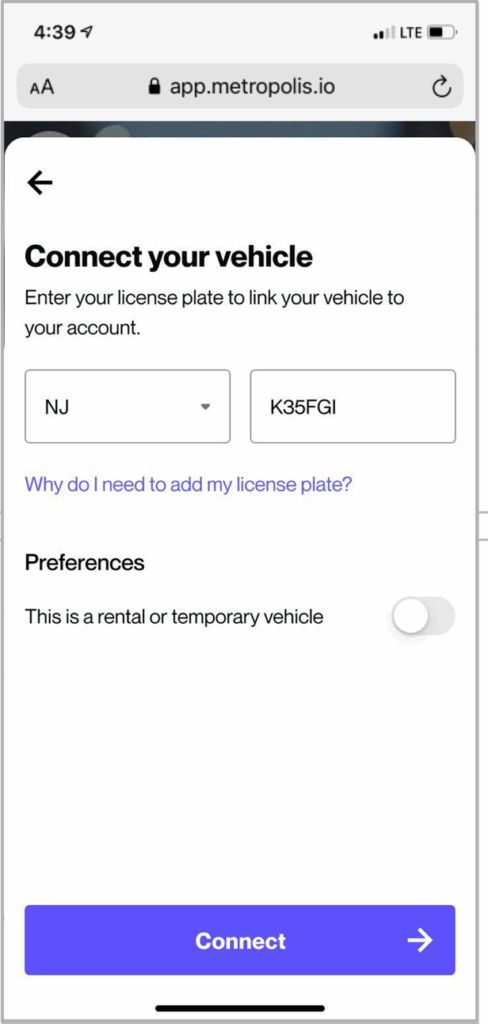
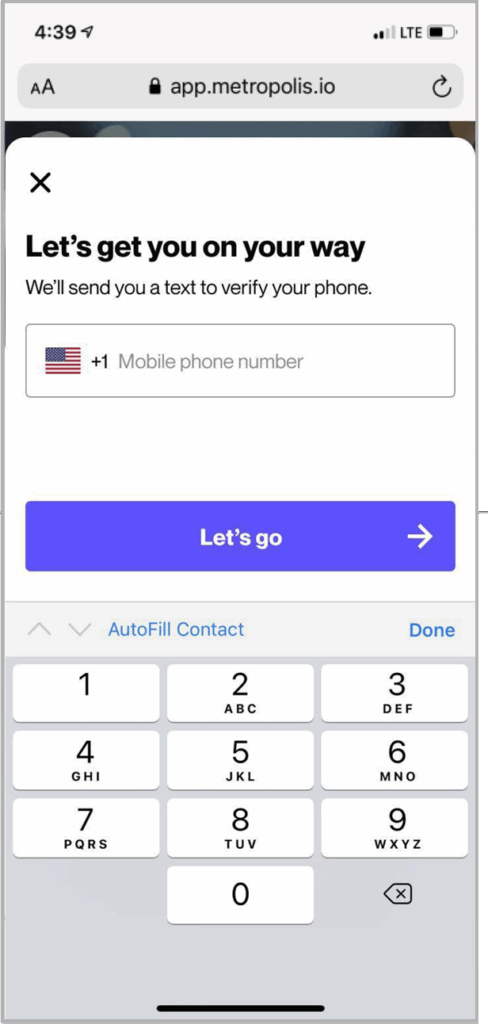
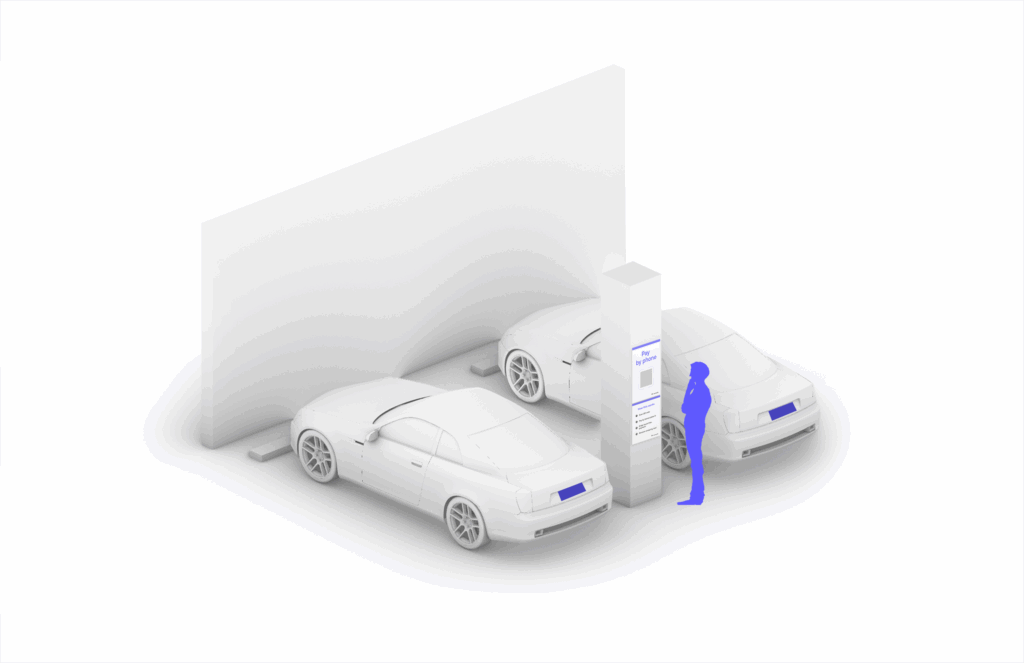
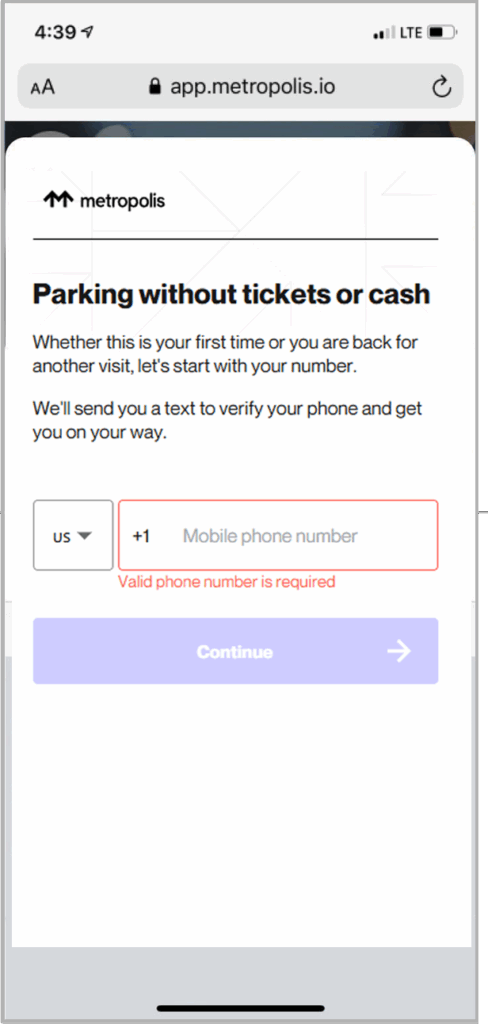
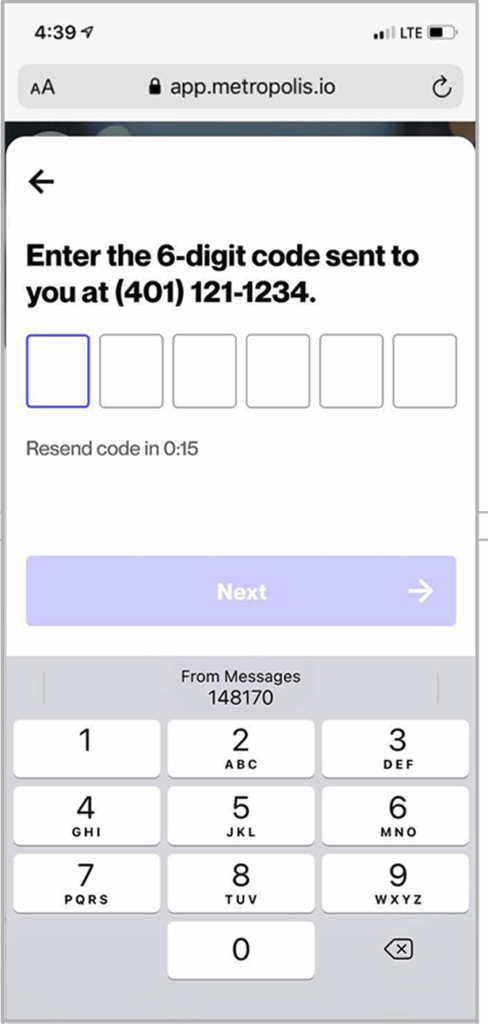
Scan QR code posted in the parking facility and enter the required information. (License plate number required)
3

Drive Out
When you exit the parking facility, your parking session is automatically charged to your credit card on file. Just drive out.